


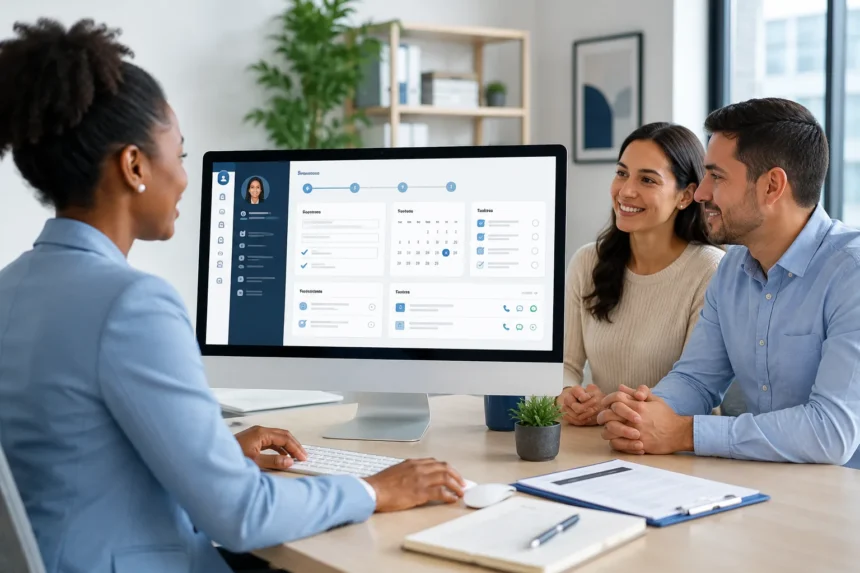
Client intake sets the tone for the full service path. If the first record has gaps, staff may spend extra time later to fix basic details. A clear digital system can help human services teams keep first contact and follow-up connected from the start.
1. Keeps Intake Details in One Place
A strong intake record should help staff see client details, service needs, consent notes, and early next steps. Case management software can help teams connect forms, notes, files, and service records in one secure place. This may reduce the need to search through paper forms, email threads, text messages, and spreadsheets.
Premium management tools focus on central client care information, paper reduction, mobile access, reporting, and team collaboration. A single record can help reduce duplicate entries and missed facts. It can also support a calmer handoff between intake staff, supervisors, and service teams.
2. Makes Forms Easier to Use
Intake forms should collect the right facts without making the conversation feel stiff. Digital forms can help staff capture contact details, eligibility information, household needs, consent, referral details, and program notes. Required fields may reduce missed answers, while open notes can hold context.
A useful form can also match different program needs. A housing program may need shelter status and safe contact details. A school support team may need student and caregiver information. A victim support program may need careful wording, privacy notes, and service preferences.
3. Reduces Repeat Data Entry
Repeat entry is one of the first signs that the intake process needs a better structure. Staff may enter the same name, phone number, address, or service request across several tools. That takes time and creates more chances for errors. It can also make later follow-up harder because records may not match.
A connected system can let one opening update support forms, notes, tasks, reports, and service records. This helps staff keep the record current without retyping the same details. It may also improve accuracy when several people work on the same client file. Less duplicate work can leave more time for outreach and direct support.
4. Helps Staff Prioritize Follow-Up
Follow-up is easier when the next step is clear. Staff need to know who is responsible, what must happen next, and when it is due. Digital tasks can help assign work, set dates, and flag urgent needs. This helps teams avoid missed calls, late forms, or open referrals with no owner.
Follow-Up Details Worth Tracking
A useful follow-up task may include:
- Staff owner and due date
- Contact method and safe time
- Service need or referral purpose
- Status note after contact
These details make daily work easier to review. They also help supervisors see where support may be delayed. For community outreach or victim support teams, safe contact details can matter a lot.
5. Links Notes to Intake History
Client notes should show what happened after the first contact. A digital note area can help staff connect call details, visit notes, service updates, and referral actions to the intake record. This gives approved team members useful context before they reach out again. It may also reduce the chance of repeated questions.
Notes should stay factual, respectful, and brief enough to review. Staff can capture the main concern, action taken, client choice, and next step. For sensitive programs, language should avoid blame or assumptions. Clear notes help the next staff member continue with care.
6. Connects Referrals to the Record
Many clients need more than one service after intake. A person may need food support, safe housing, transport, legal aid, public health services, or caregiver resources. A referral record can show what was offered, what was accepted, and what still needs follow-up. This helps teams see the full support path.
Referral status should not hide in an email thread. It should be visible beside the initial details and notes. Case management software may help teams track providers, service dates, enrollment, and notes over time. This supports better continuity when several staff or partners are involved.
7. Gives Supervisors a Clear View
Supervisors need to see the intake volume, open tasks, pending forms, and overdue follow-up. Without a clear view, they may learn about gaps only after a deadline or client complaint. Dashboards and workload views can help show what needs review. This may help improve daily planning across busy teams.
A clear view also helps with staff support. Supervisors can see when one person has too many open follow-ups or when a program has a referral backlog. This makes it easier to adjust assignments with care. It also gives leaders better insight into where the process slows down.
8. Supports Reports Without Extra Cleanup
Reports are easier when entry and follow-up data are already organized. Staff should not have to rebuild service counts from notes, forms, and spreadsheets. Digital records can help connect intake dates, service types, referral status, closure reasons, and outcome details. That may reduce manual cleanup before review.
Reporting, dashboards, configurable forms, case notes, integrations, and service tracking are part of a practical case management solution. Those features matter because reports depend on the quality of daily records. When entry forms and follow-up notes use the same system, the final report has a stronger base.
9. Protects Client Information
Opening records may include private contact details, family concerns, service needs, safety notes, or uploaded documents. Access controls can help limit who can see, edit, or share that information. Staff, supervisors, volunteers, and partners may each need different access. A secure record supports trust and helps teams handle sensitive details with care.
Mobile and cloud access should still follow privacy rules. Staff may need approved information during field work, partner visits, or outreach. Secure access can help them update records without having to carry loose papers. Regular permission checks also help reduce old access as staff roles change.
Better intake and follow-up depend on clear records, useful forms, shared notes, visible tasks, and careful access. A digital system can help connect the first conversation with every step. That connection matters when clients need several services, multiple staff members, or repeated follow-up. With a practical setup, human services teams can reduce scattered work and give each client a steadier path from intake to support.